Menu#
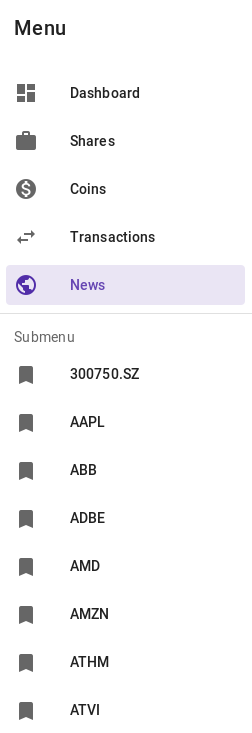
Menu is separated into 2 parts - main menu and submenu.
Main menu is created via django-sitetree library and is managed in Django admin.
Submenu contains following parts (order preserved):
pages on the same level as parent of the current page
child pages
dynamic items
Dynamic submenu is managed programaticaly. If a view needs it’s custom
submenu you can create one quite simple thru predefined view
mixin richy.core.views.SubmenuViewMixin. This mixin adds
method get_sumenu() that you need to implement by yourself.
The method must return list of menu items where each items is a
dict with following properties:
url - menu item URL
title - menu item title
is_current - flag if the menu item is currently active page
Here is simple example that News section uses:
Output then looks like this: